 server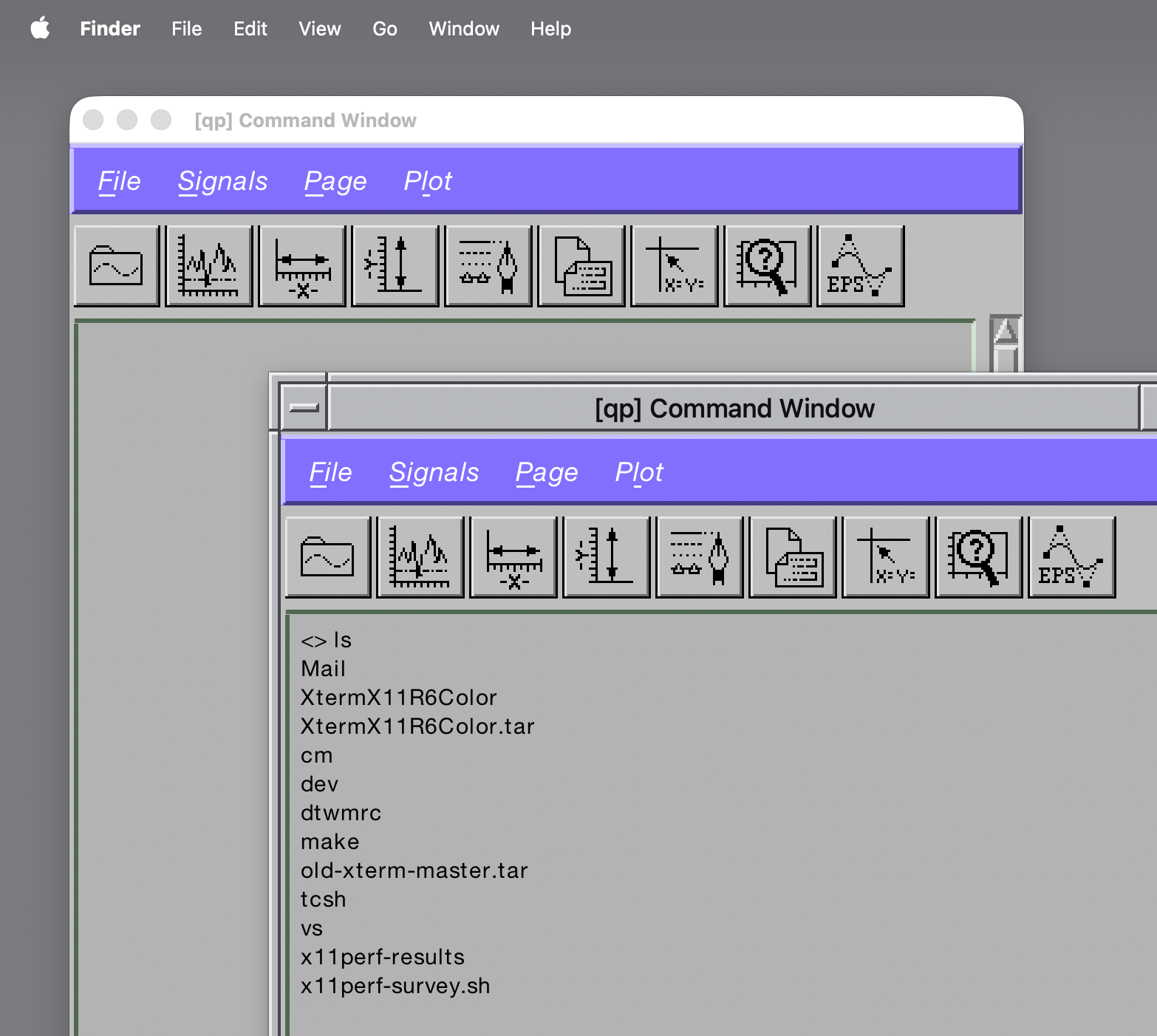
What it does
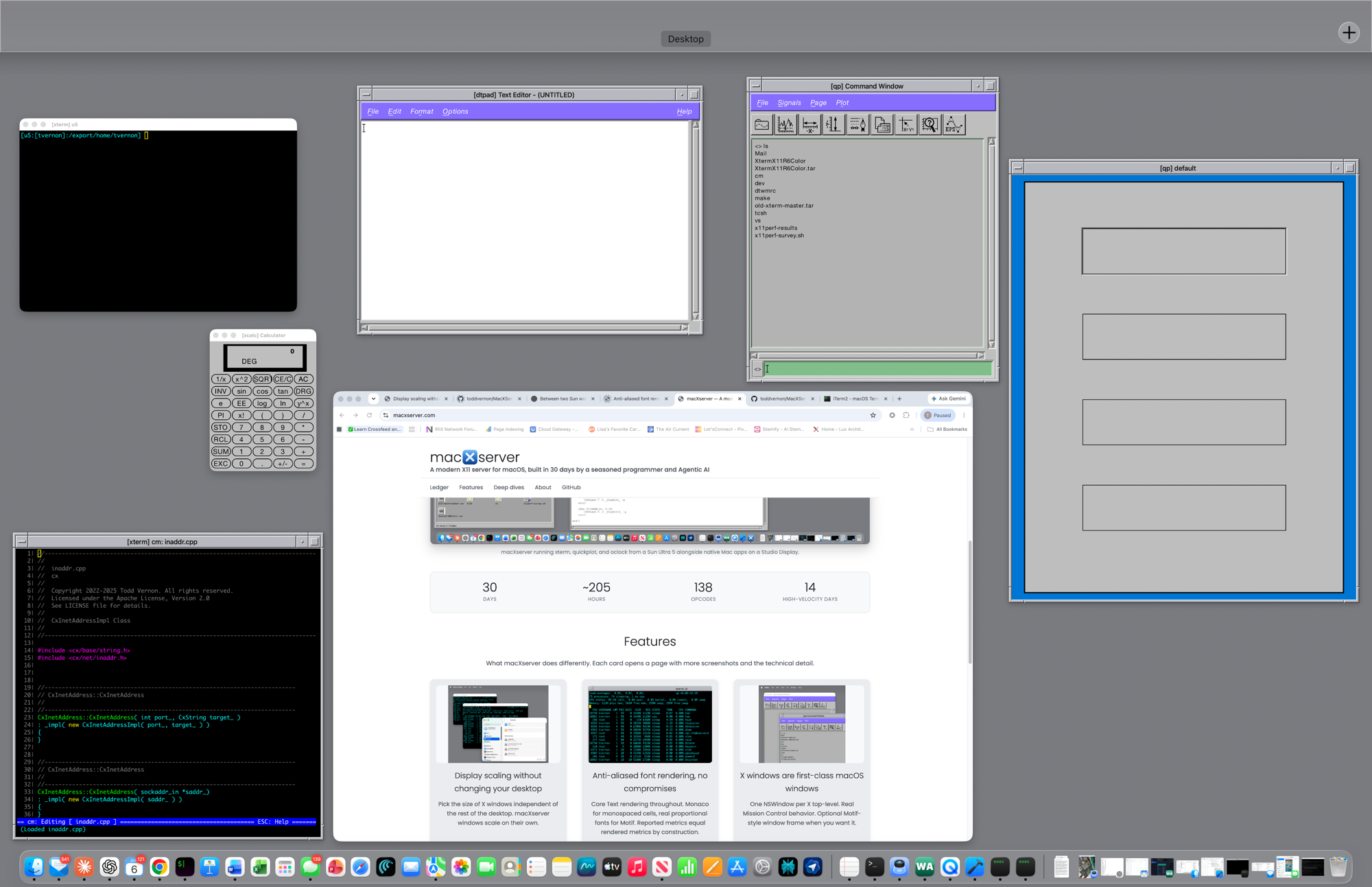
Every X top-level window opens a real macOS NSWindow. It appears in Mission
Control. It shows up in the Dock. You can Cmd-Tab to it. You can use Cmd-~ to
cycle among the X-server’s windows. You can drag it across Spaces. It honors
setFrameAutosaveName for position persistence. It is, structurally, a
first-class macOS window that happens to be displaying an X11 client.
Optionally, you can opt into a Motif-style window frame (mwm clone) per-window
or globally in Preferences. Useful when you want the title bar and borders to
match what the X client was originally designed to live inside.
The design choice in macXserver is that AppKit owns the window: it has the
real NSWindow, the real NSView, the real first-responder chain. The X
server’s job is to render into those views and translate AppKit events back to
X events on the way down. The benefit is that every Mac window-management
feature works because the windows are Mac windows — Mission Control,
Spaces, Cmd-Tab, Stage Manager, window-snapping utilities. There’s no separate
window abstraction to keep in sync with AppKit’s.
This is a different starting point from the more traditional rootless approach, where the X server maintains its own window hierarchy and renders into a translation layer above AppKit. Both designs work; the AppKit-first design is the one I wanted to try.
Technical detail
The bridge between X protocol and AppKit:
- Each X top-level creates a
MacXTopLevelWindow(anNSWindowsubclass) with aFlippedXViewcontent view. X uses y-down coordinates; the view’sisFlippedreturns true. - Top-level window state goes through
WindowBridge(the abstract surface) andCocoaWindowBridge(the AppKit implementation). The bridge handles things like ICCCM 4.1.5 syntheticConfigureNotifyon every move so the toolkit’s coordinate cache stays correct. - For ICCCM-compliant clients that want a window-manager-drawn title bar and
borders, an opt-in
MotifFrameViewwraps the X client in a Motif-style frame with the standardmwmdecorations. Configurable via the[motif-frame]section in~/.macxserver-resources.
Descendant X windows (everything below the top-level — widgets, menus,
dialogs) live entirely inside the top-level’s NSView as virtual surfaces with
their own clipList. They aren’t AppKit views; they’re managed by the server’s
ClipListEngine so we have spec-faithful X clipping semantics independent of
AppKit’s view hierarchy.