 server
For context on what macXserver is and why I built it, see The Project . This page is just about me.
About me
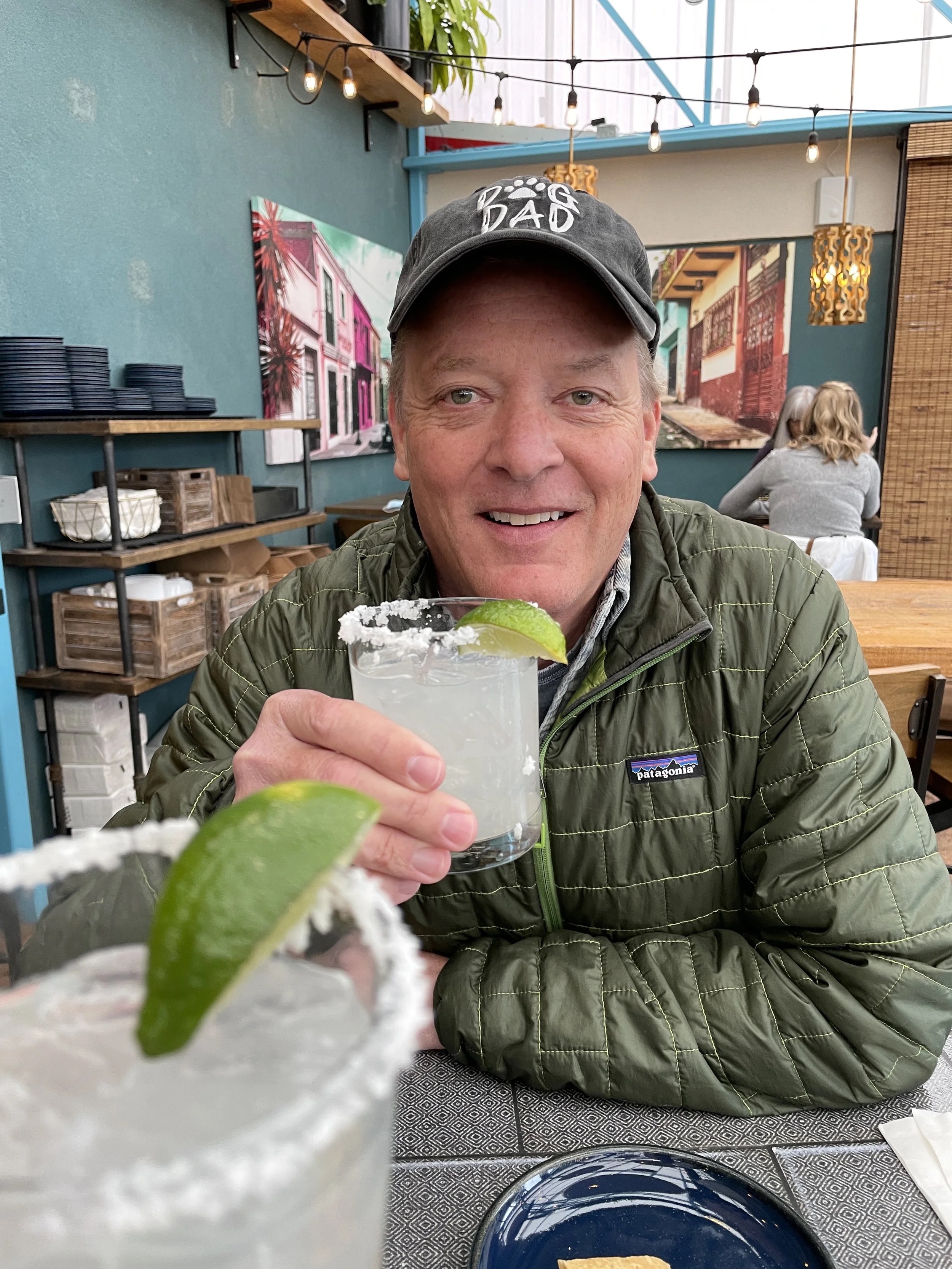
I’m Todd Vernon. In the early ’90s I worked on the X-Planes program at NASA as a hardware and software engineer. That’s where the C, Motif, and X11 background started. After NASA I spent thirty years shipping software through three tech companies I founded in Boulder, Colorado as CEO and engineer. I retired in 2018 after the sale of VictorOps to Splunk.
Since then I’ve split my time between angel investing and restoring vintage computers from the 1970s through 1990s in a workshop I call Wrecking Crew Labs. The collection and the restoration writeups live at OldSilicon.com . macXserver came out of that workshop. I wanted my Sun workstations to display their X clients on my Mac without losing the modern Mac experience, and nothing on the market did that the way I wanted, so I built it.
Day-to-day I write in C++ and Swift, with Python for tooling and a smaller amount of C going back to the NASA work. I keep a couple of cross-platform libraries on the side, cx and cmacs in particular, both on GitHub .
Around the web
- GitHub (source for cx and cmacs)
- Inc.com (articles on running companies)
- Project Page (cross-platform libraries and apps)
- OldSilicon.com (the vintage computer collection)
- Facebook (actively used)
- LinkedIn (rarely checked)
For questions about macXserver, open an issue on the GitHub repo . For anything else, the form below comes straight to me.